
MCP — MyContactPage
A focused client-conversion workspace that connects website visitors, real-time conversations, client documents, and payments in one simple workflow.
About the Project
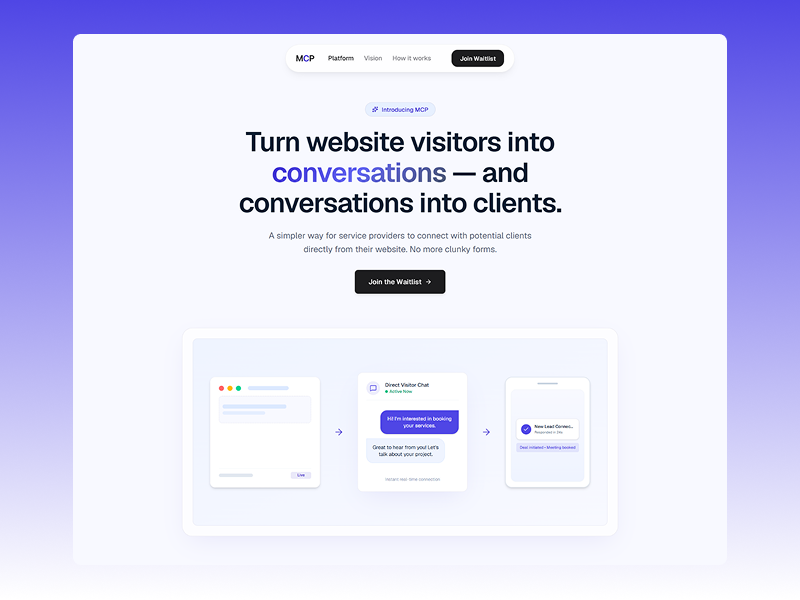
MCP — MyContactPage was built around a simple problem: most service-business websites are designed to present information, but when a potential client wants to get in touch, the experience usually ends with a traditional contact form. From there, conversations move into email, proposals, contracts, invoices, and payment tools.
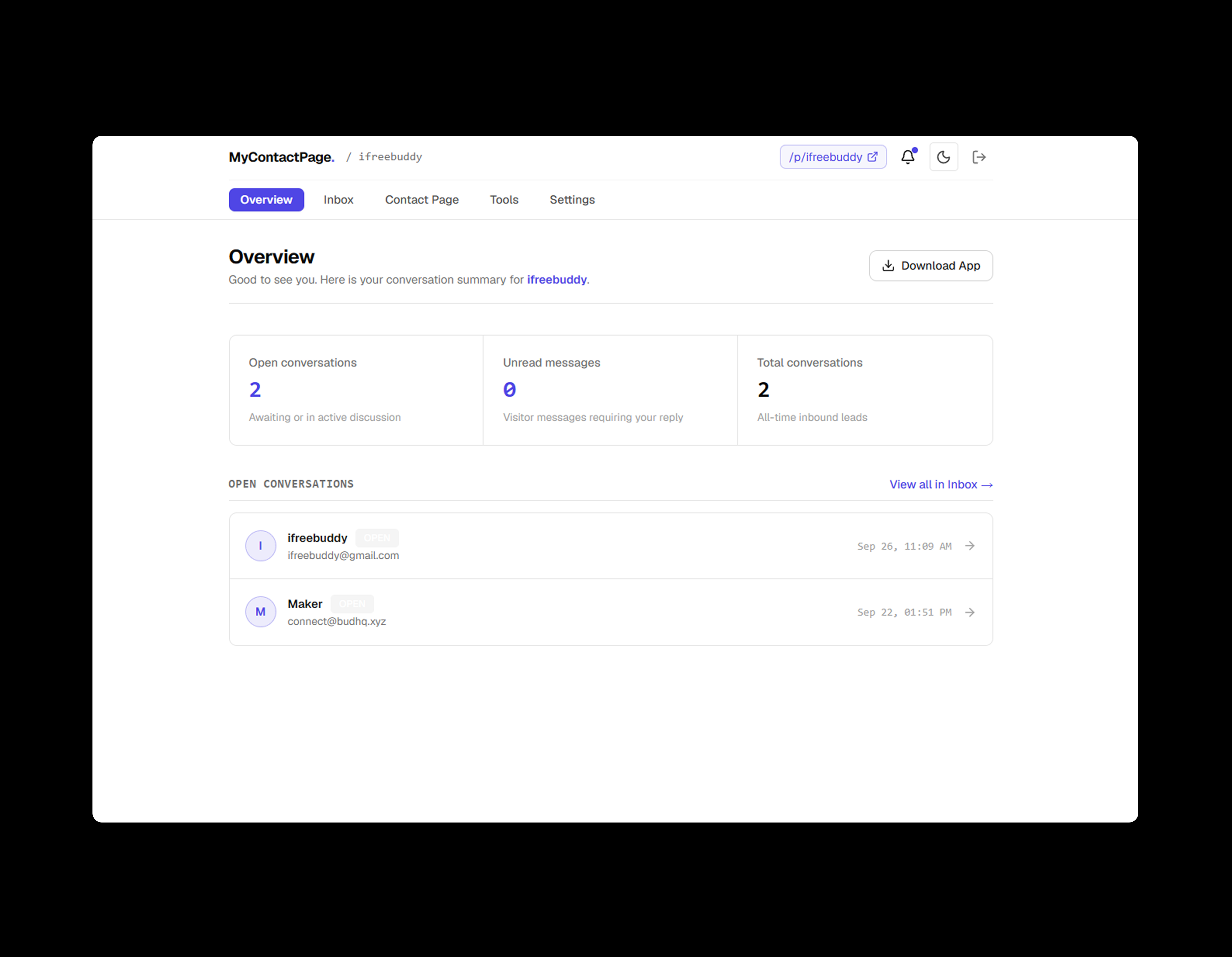
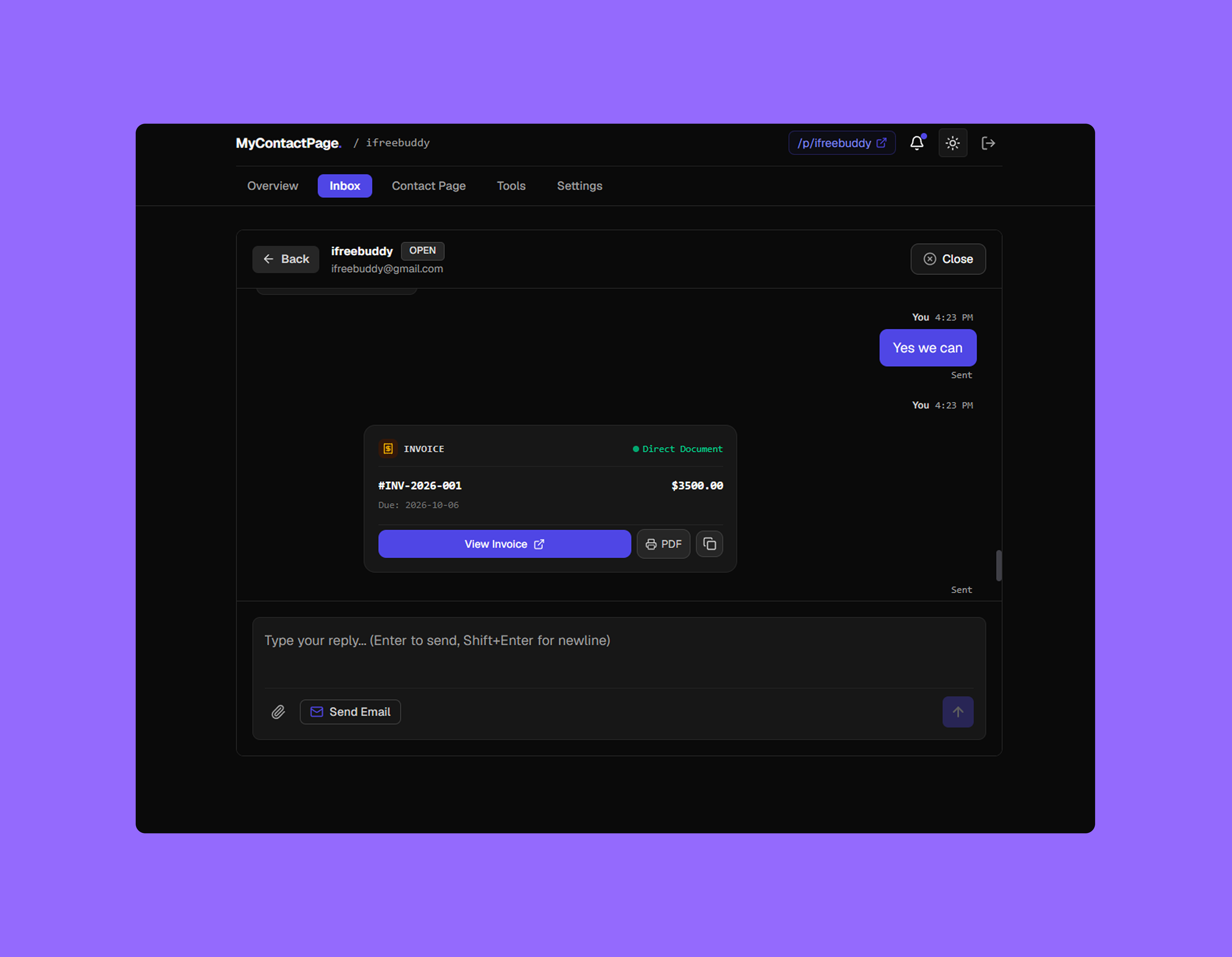
MCP brings that journey into one focused workspace. Visitors can start a conversation directly from a website through a lightweight contact widget, while business owners manage conversations from a real-time inbox. Once a conversation becomes a real opportunity, MCP provides simple tools for proposals, contracts, invoices, and payment requests — creating a clearer path from visitor to client.
Challenges & Solutions
Designing a simple client-conversion experience while keeping real-time communication, security, and the overall product lightweight.
Turning a Contact Form Into a Real Conversation
Traditional contact forms create unnecessary friction between a website visitor and a service provider. Messages are submitted, delivered elsewhere, and often become disconnected from the rest of the client journey. MCP needed to make starting a conversation feel immediate while keeping the experience lightweight, embeddable, responsive, and secure across external websites.
A Lightweight Widget Connected to a Real-Time Workspace
We built a lightweight website widget that lets visitors start and continue conversations directly from a business website. Conversations are securely stored and synchronized in real time through Supabase, while the owner receives and responds to messages from a focused inbox. The same workspace then connects the conversation to proposals, contracts, invoices, and payment requests through shareable documents.
Process
How we took MCP from a simple product idea to a focused, production-ready SaaS MVP.
Problem & Product Discovery
Identified the friction in traditional website contact forms and mapped the complete journey from first visitor interaction to conversation, client agreement, invoice, and payment.
Experience & System Design
Designed the public contact page, website widget, real-time inbox, authentication flow, onboarding, and shareable document experience around a simple and consistent product system.
Full-Stack Development
Built the application with Next.js, TypeScript, Supabase, PostgreSQL, authentication, Row Level Security, and Supabase Realtime for secure multi-tenant conversations and responsive messaging.
Production Hardening
Validated the widget on external websites, refined responsive behavior, secured tenant data with server-side authorization and RLS, and prepared the application as a responsive PWA for production use.
Design System
A deliberately minimal interface designed to keep communication clear, focused, and trustworthy.
Clear & Functional
Geist typography and a restrained hierarchy keep conversations, client information, documents, and actions easy to scan without unnecessary visual noise.
Monochrome & Calm
A black, white, and grayscale palette keeps the interface neutral and professional. Borders, spacing, and typography create hierarchy instead of relying on colorful accents or gradients.
Simple & Focused
Compact components, restrained borders, subtle radius, and consistent spacing create an interface that feels closer to a focused communication tool than a complex enterprise CRM.
Results & Impact
A focused MVP that brings the essential client-conversion journey into one connected experience.
Connected Client Journey
Website visitors can move from first conversation toward proposal, contract, invoice, and payment without requiring a collection of disconnected MCP-specific tools.
Conversation Inbox
Website conversations are synchronized in real time so business owners can receive and respond to visitor messages from one focused workspace.
Personal Contact Page
Every MCP user gets a simple public contact page that gives potential clients a direct place to learn about the business and start a conversation.
Works Across Devices
The responsive web application is designed as a PWA, allowing users to access their conversations and workspace comfortably from desktop and mobile devices.